Notes
Take rich notes with headings, lists, images and colours. Sort them into folders, mark your favourites and find anything with search.
 Taskora
Organize · Focus · Bloom
Taskora brings everything you need to get organised into one space: note-taking, task boards, calendar, reminders, goals, a Pomodoro timer and group work. Free and ad-free.
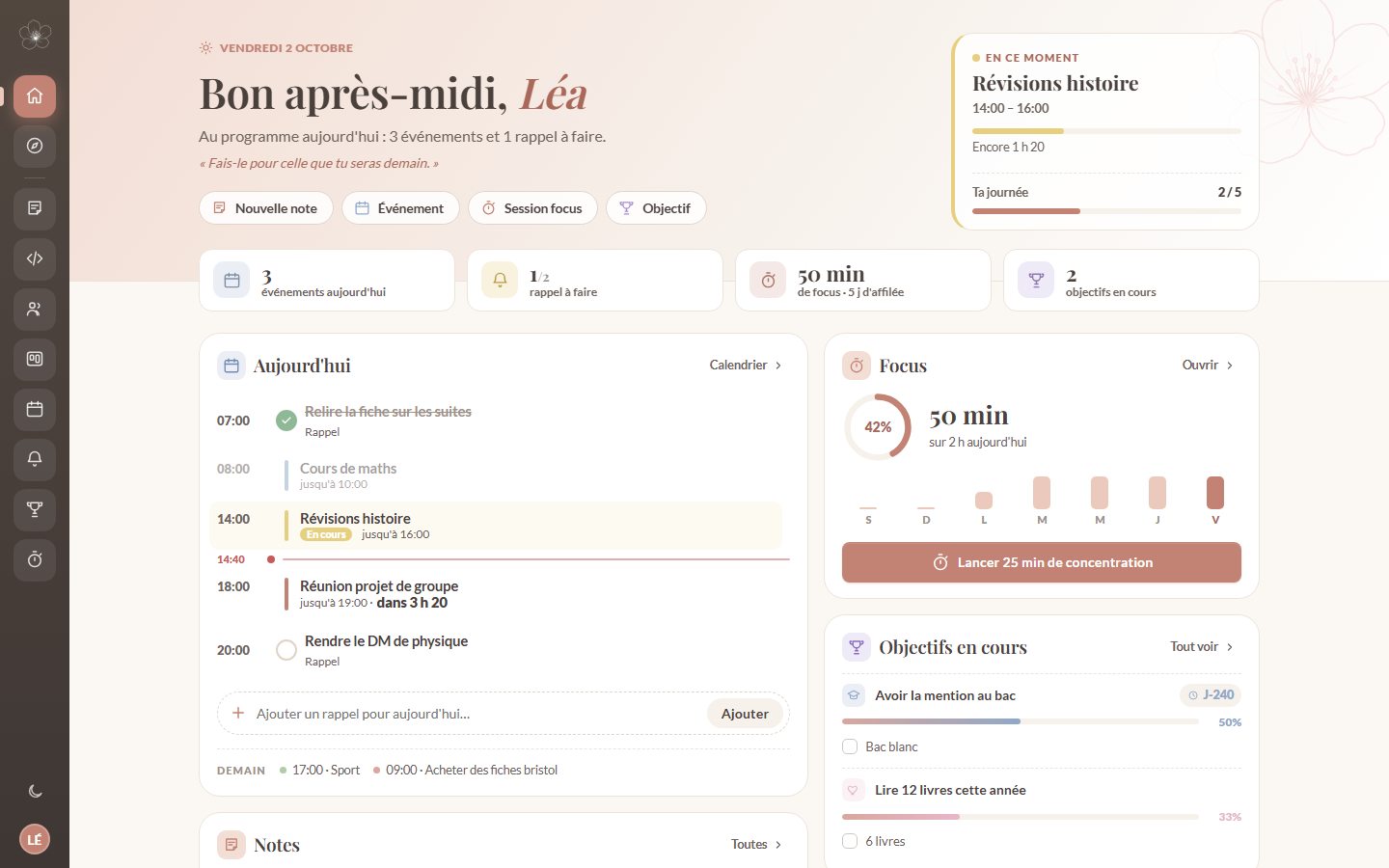
A closer look
This is what your space looks like once you're logged in. Everything is designed to be easy on the eyes and simple to use.
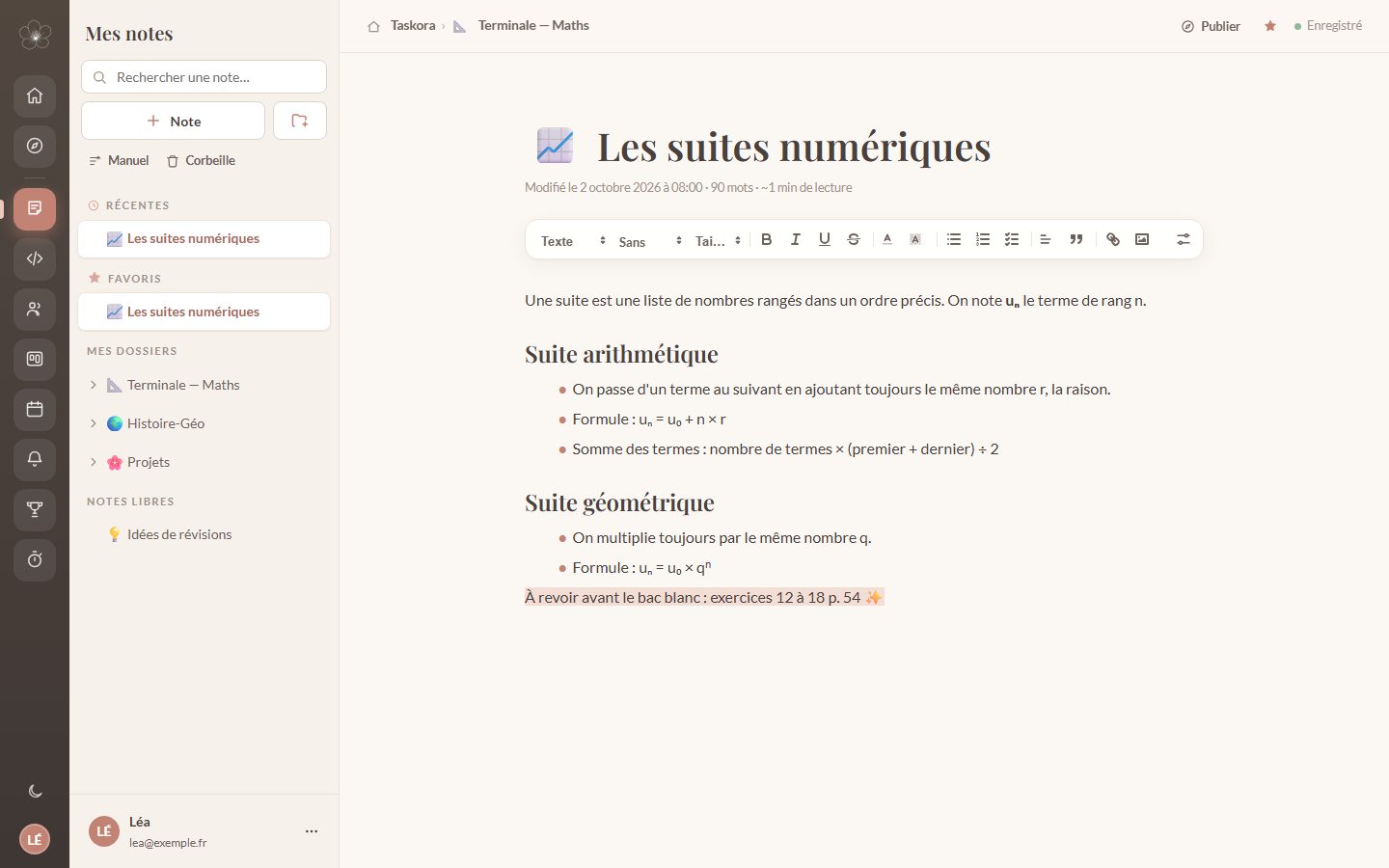
Notes
Headings, lists, highlights, images: write your lessons like on paper, only prettier. Sort them into folders and find them in a second.
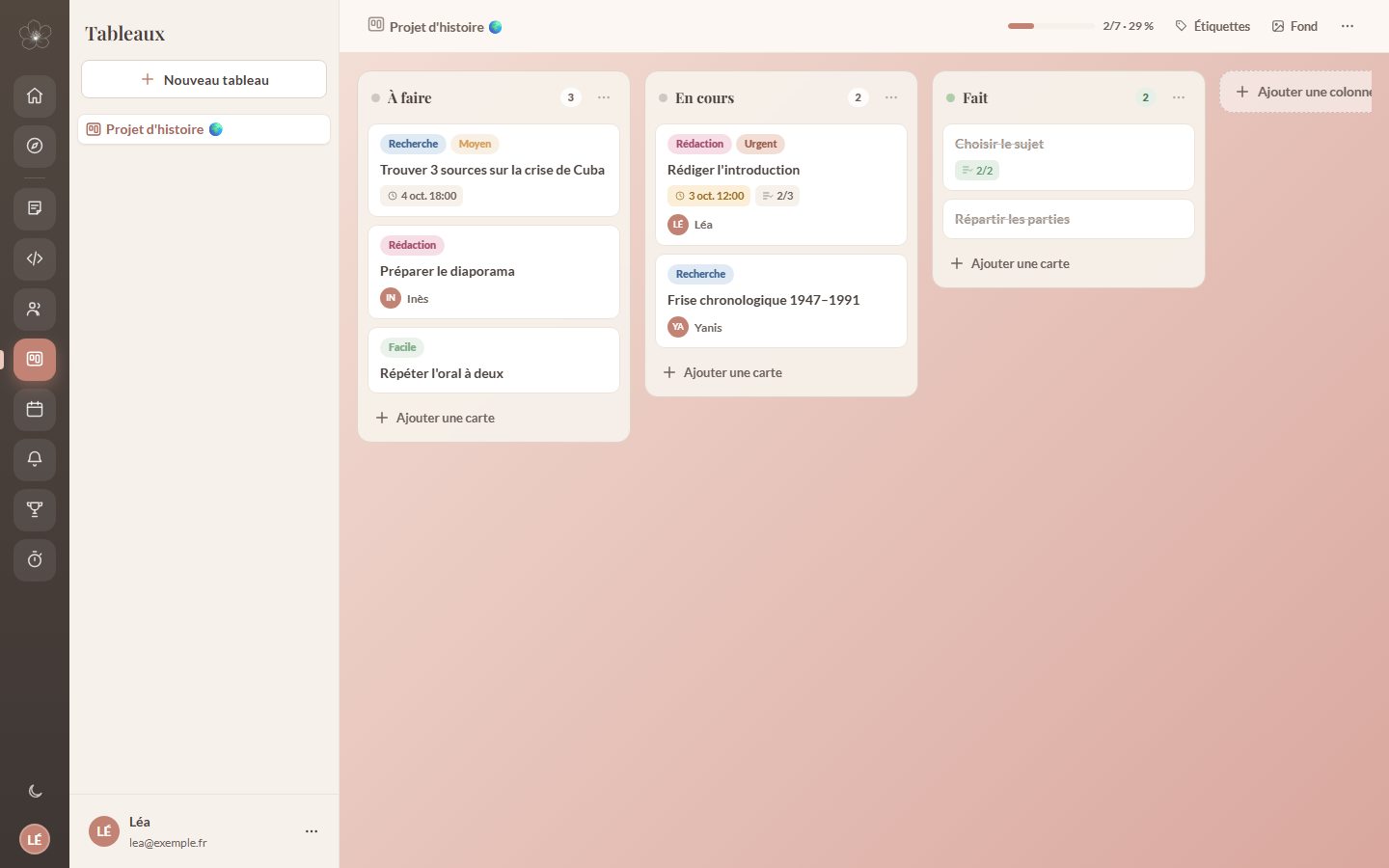
Tasks
Break each project into cards, drag them from “To do” to “Done” and instantly see what's left. Perfect for group presentations.
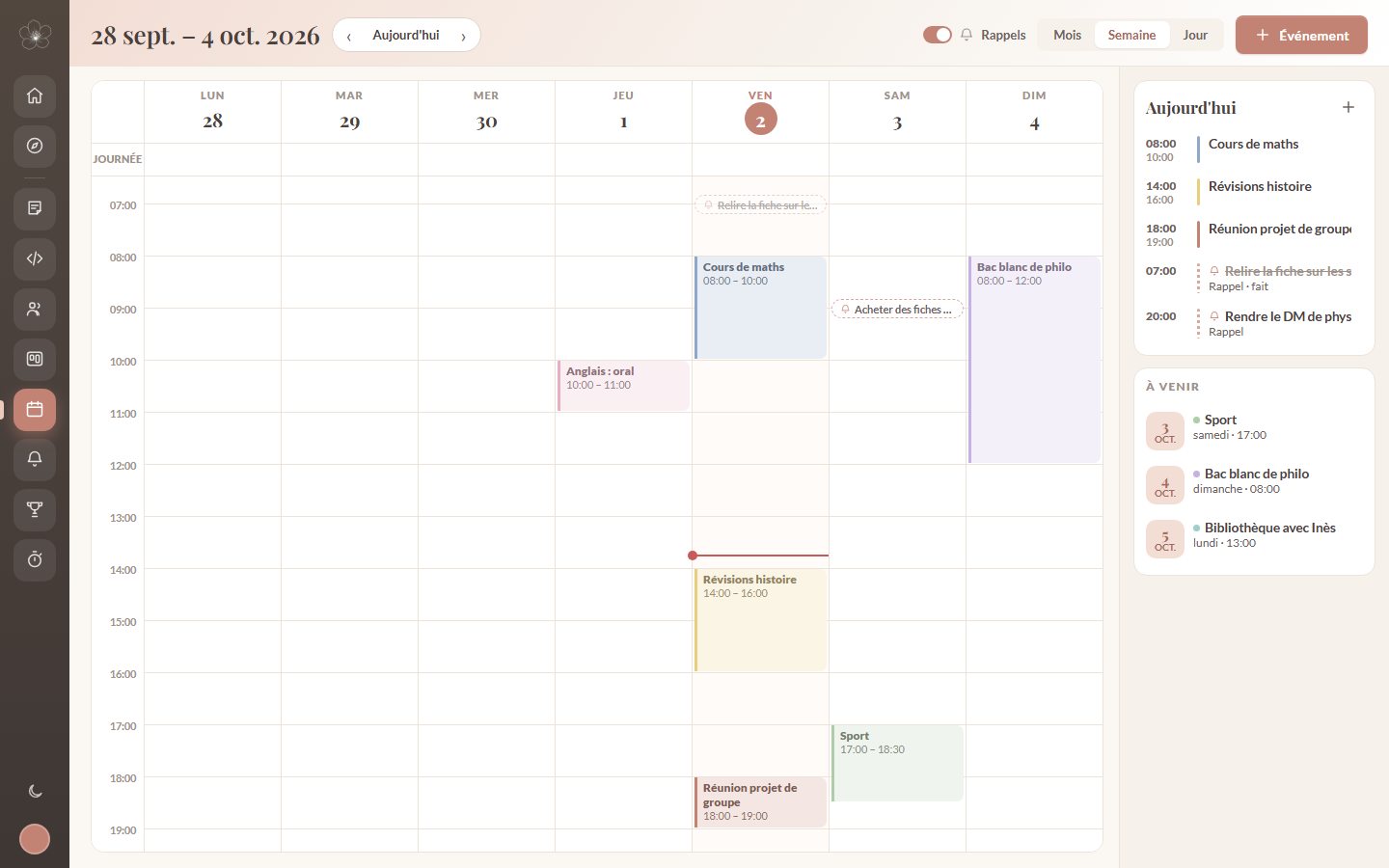
Calendar
Classes, exams, sport and reminders all appear in the same place. Switch between month, week and day in one click.
Focus
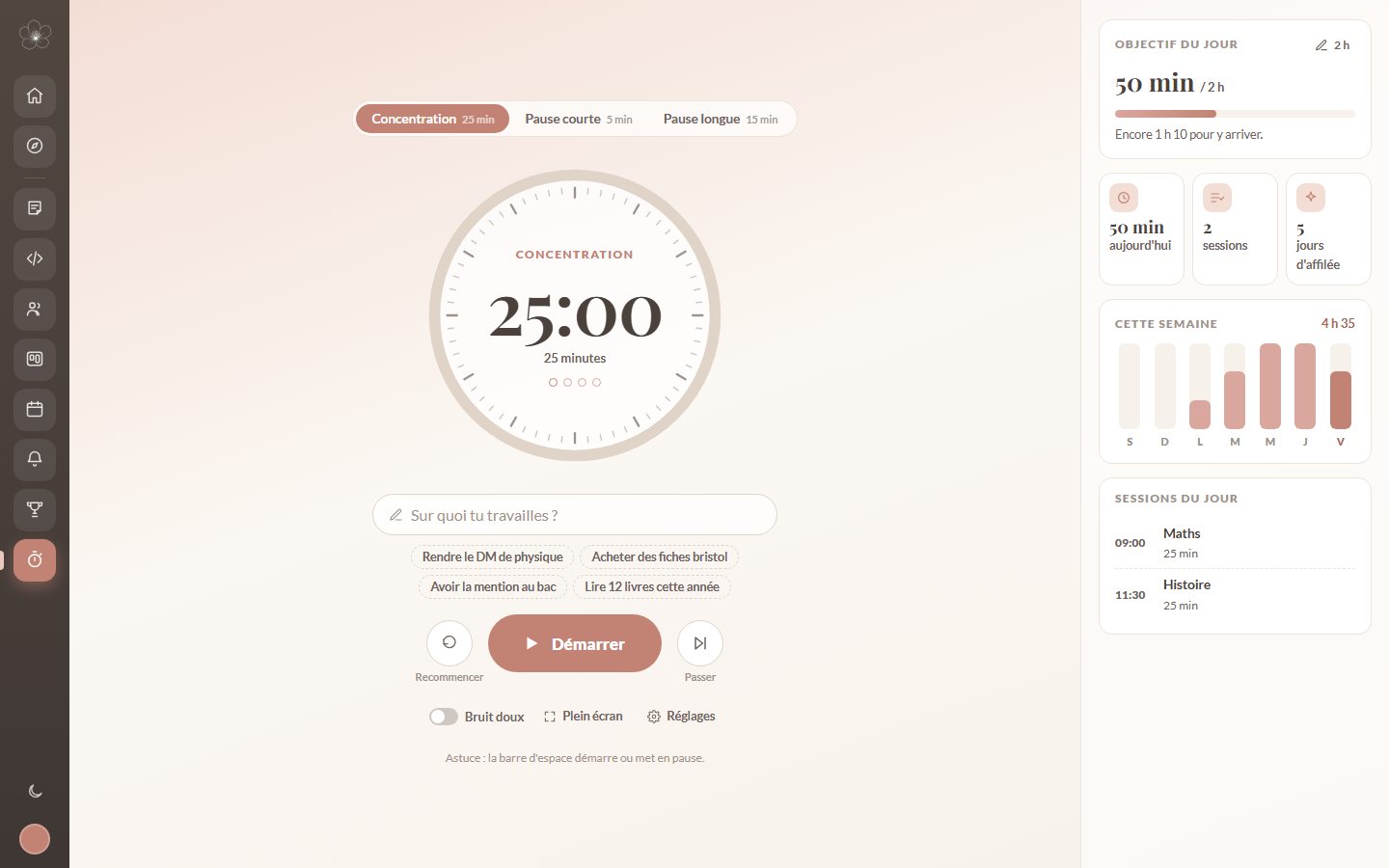
Start a Pomodoro timer, choose what you're working on and watch your focus minutes grow day after day.
Goals
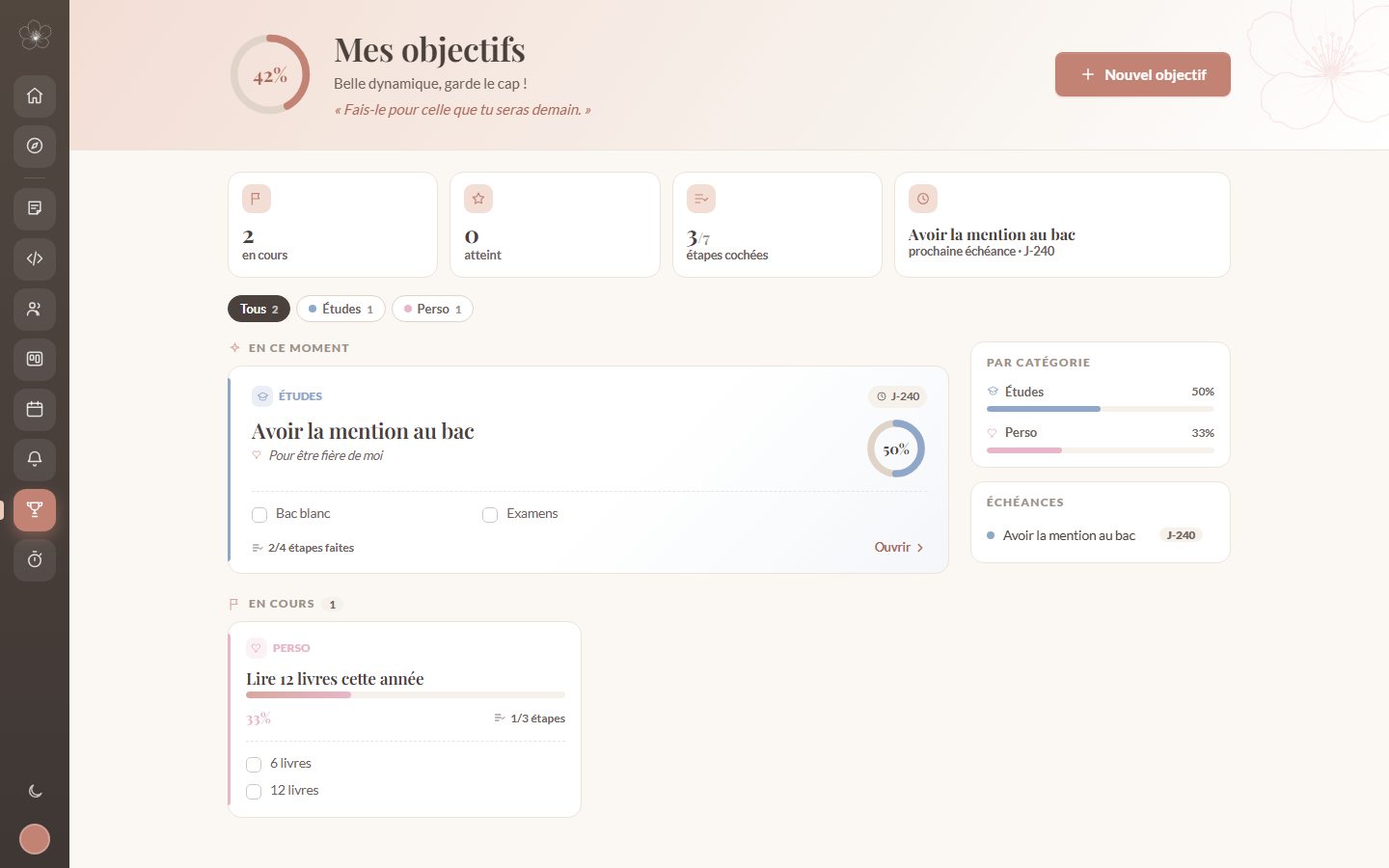
Write down why you're doing it, break your goal into steps and tick them off one by one until the finish line.
All-in-one
No more juggling five different apps: with Taskora, your classes, homework and projects live in the same place.
Take rich notes with headings, lists, images and colours. Sort them into folders, mark your favourites and find anything with search.
Organise your projects in Kanban-style boards: columns, cards, labels, due dates and checklists, on your own or as a group.
See your day, week or month at a glance, with your classes, exams and events.
Add a reminder in one sentence (“tonight”, “tomorrow”) and get notified at the right time.
Set yourself goals, break them into steps and track your progress all the way.
Study without distractions with a Pomodoro timer, guided breaks and your session history.
Create a group with a code, chat in real time, share notes, files and task boards.
Discover and share study sheets, mind maps, PDF courses and code snippets.
Keep your code snippets, commands and explanations in one place, with syntax highlighting.
Together
Create a group for your class or project and invite your classmates with a simple code. Chat live, share your notes, files, reminders and a shared task board: everyone sees who's doing what.
For studying
Start a Pomodoro session, track your focus minutes and stay on course with your goals. In Explore, discover study sheets, mind maps and courses shared by the community, and save them to your boards.
Private by default. Your personal notes and tasks are visible only to you.
No ads. No data reselling, no advertising trackers.
Secure. Encrypted connection, two-factor authentication, verified access rules.
GDPR compliant. Download or delete your data whenever you want.
Yes. Taskora is free and ad-free. All you need is an account with an email address.
For high school students, university students and anyone who wants to organise their classes, revision, projects and group work in a single space.
No. Taskora works directly in your browser, on computer, tablet and phone.
Yes. Your personal notes, tasks and reminders are visible only to you. Only what you share in a group or publish in Explore can be seen by other members.
Encrypted connection, protected passwords, access rules enforced by the database and optional two-factor authentication. You can download or delete your data at any time from your account.
Yes. Create a group, invite your classmates with a code and share a live chat, notes, files, reminders and task boards.
Create your Taskora space in less than a minute.
Create my free account